How to Use the Top Follow App: A Step-by-Step Guide for Beginners
Opening the Top Follow App for the first time can feel confusing. The dashboard shows coins, tasks, a redeem button, and a few settings you have never seen before. This guide walks through the entire process from download to your first batch of followers, in the order a first-time user actually needs it.
Before You Open the App
- A few checks are worth doing before you even sign in.
- Confirm your Android version. Top Follow App generally requires Android 5.0 or higher. Most phones from the last several years meet this without an issue, but it is worth a quick check in your phone’s settings if you are on an older device.
- Scan the file. Since the app is not distributed through the Google Play Store, it comes as a sideloaded APK. Running it through a scanner like VirusTotal before installing is a reasonable safety step, one that catches most obviously modified or unsafe files.
- Decide which Instagram account to connect. This is the single most important decision in this whole guide. A secondary account, one you do not depend on for business or income, is the safer choice for your first experience with the app. You can always switch to a more important account later once you understand how the app behaves.
Step 1: Installing the App
Download the APK file from a source you trust. Once the download finishes, open your phone’s file manager, locate the file, and tap it. Android will likely show a warning about installing apps from outside the Play Store. This is standard for any sideloaded app, not specific to Top Follow.
Go to your phone’s settings, find Install Unknown Apps or Unknown Sources depending on your Android version, and allow installation for the browser or file manager you used to download the file. Return to the APK and complete the installation.
Step 2: Signing In
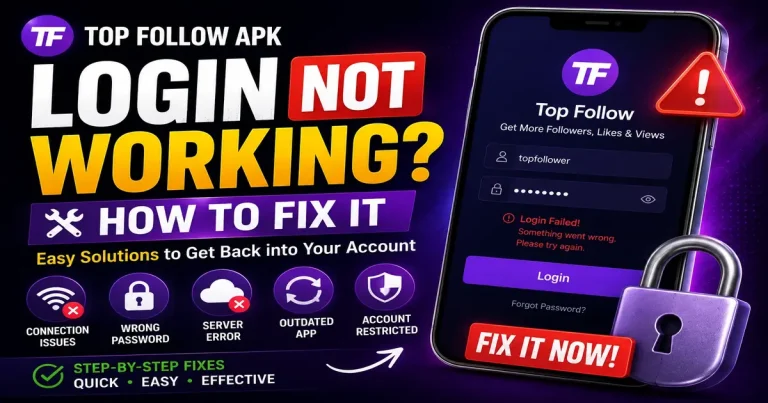
Open the app and look for the sign-in option. You will be asked to log in with an Instagram account. Enter the credentials for the secondary account you decided on earlier.
If the login fails on your first attempt, do not panic and do not retry repeatedly. Instagram sometimes flags rapid login attempts from third-party apps, and repeated tries in a short window can make that temporary block last longer. Confirm your password works in the official Instagram app first, then wait a bit before trying Top Follow App again.
Step 3: Understanding the Dashboard
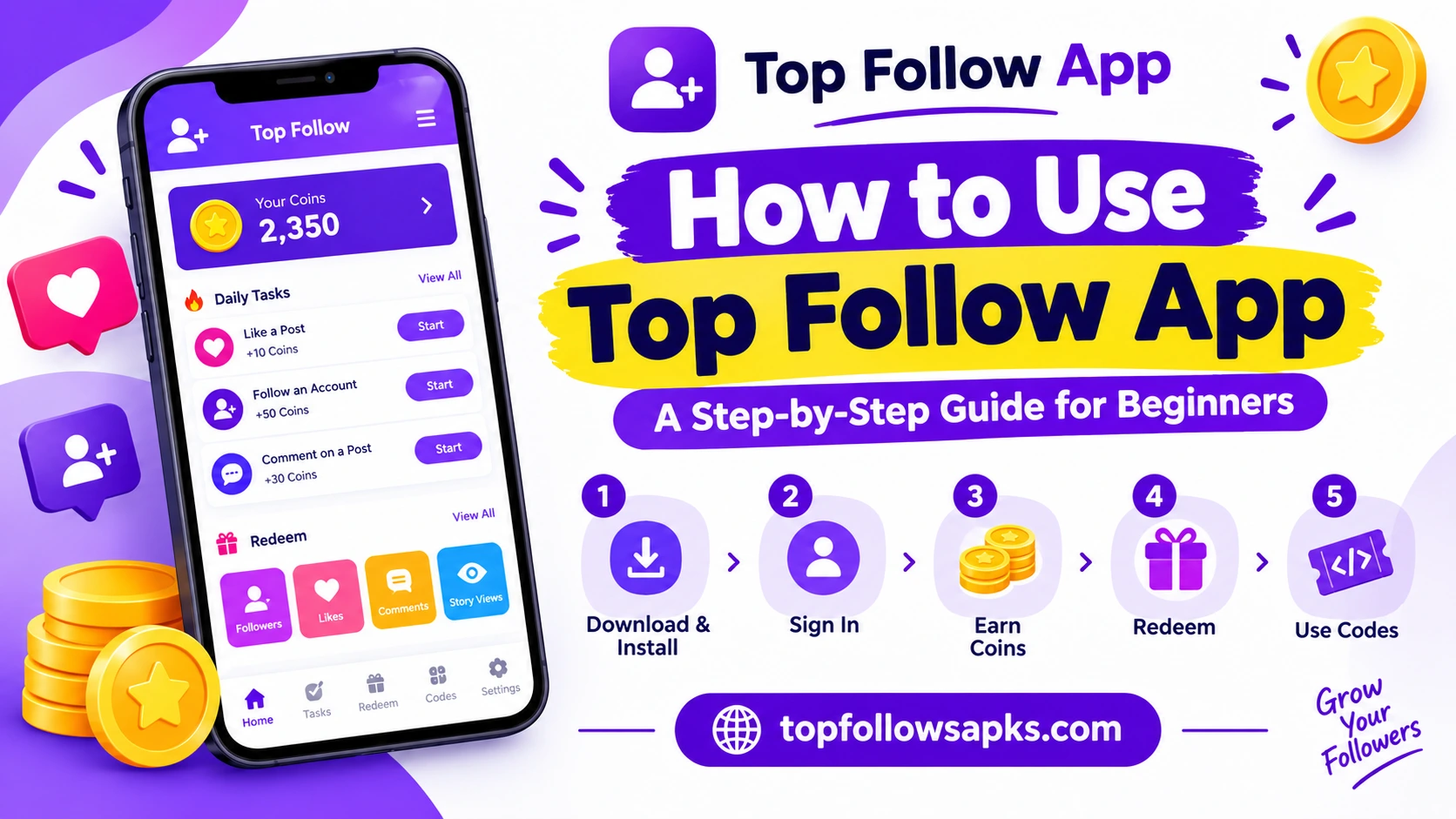
Once you are logged in, you will land on the main screen. A few elements matter here.
Coin balance. This number sits near the top and represents your current spending power inside the app. New accounts start at zero or a small starting amount, depending on the current version.
Task list. Below the balance, you will see available tasks, usually following an account, liking a post, or leaving a comment. Each task shows how many coins it rewards before you tap it.
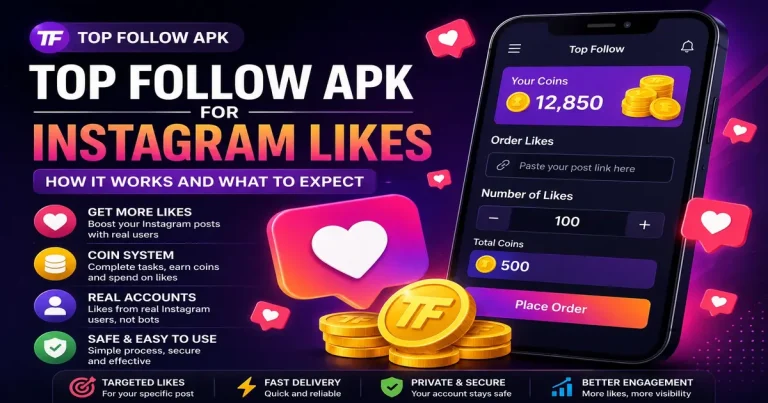
Redeem section. This is where you spend accumulated coins on followers, likes, comments, or story views for your own profile.
Step 4: Completing Your First Tasks
Tap into the task list and start with the smallest, simplest actions, usually likes, since they tend to reward fewer coins but take almost no time. Following an account earns more coins per action but takes a bit longer, since Instagram itself has to register the follow.
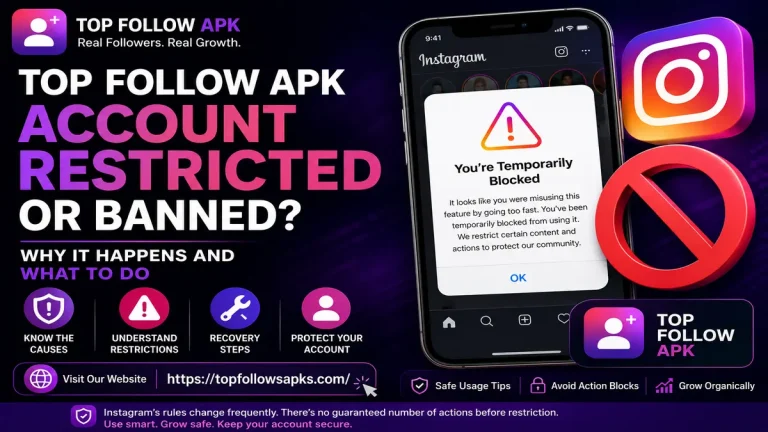
A pattern worth adopting from the start: complete tasks at a natural pace rather than rushing through dozens in a few minutes. Spacing out your activity looks more like normal human behavior to Instagram’s systems, which reduces the chance of triggering an automated restriction later.
Step 5: Using the Auto Bot (Optional)
Many versions of the app include an auto bot feature that completes follow, like, and comment tasks automatically, without you tapping through each one manually. This saves time, but it comes with a tradeoff worth understanding before you turn it on.
Automated task completion tends to follow a more mechanically consistent timing pattern than a real person browsing casually. This is itself a detectable signal. If you are testing the app on a secondary account, the auto bot is a reasonable way to build coins quickly. On an account you care more about, manual task completion at a natural pace is the more cautious choice.
Step 6: Redeeming Your Coins
Once your coin balance is high enough, head to the redeem section. Choose what you want, followers, likes, comments, or story views, and select how many coins to spend. The amount you receive scales directly with your balance. There is no separate daily cap built into the app itself; your limit is simply how many coins you have.
Delivery is not always instant. It depends on demand at that moment, server load, and how many other users are placing similar requests. Check your order history if a redemption seems to be taking longer than expected before assuming something went wrong.
Step 7: Using Referral and Promo Codes
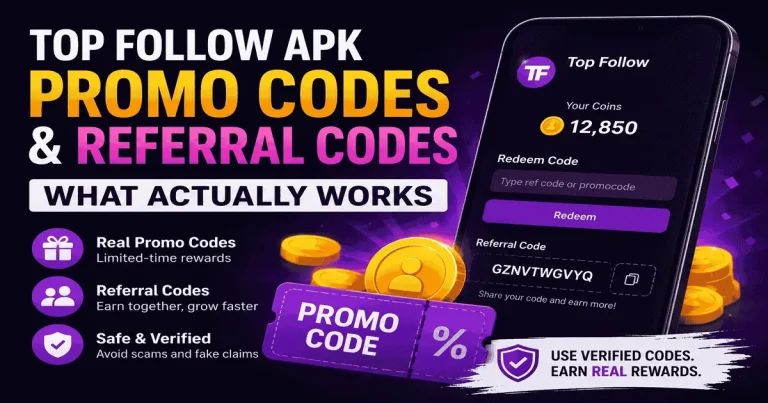
Inside the app’s Codes section, you can enter a promo code or a referral code to receive bonus coins. A referral code tied to someone you actually know is generally the more reliable option, since it does not expire the way limited-time promotional codes do. Codes found on random forums or comment sections online are frequently expired or fake, so treat anything from an unverified source with some doubt.
Common Beginner Mistakes to Avoid
A few patterns trip up new users consistently.
Connecting a primary or business account on day one, before understanding how the app behaves, is the most common mistake. Test first, switch later if you choose to.
Running the auto bot heavily right from the start, without easing into how the app works, increases risk unnecessarily for a first-time user.
Ignoring Instagram’s own app entirely while using Top Follow App also stands out as unusual activity. Keep posting and interacting normally on Instagram alongside using the app, rather than treating it as a replacement for regular use.
Final Thought
Using Top Follow App for the first time is straightforward once you understand the basic loop: complete tasks, earn coins, redeem for followers or likes. The steps that actually protect you, starting with a secondary account, pacing your activity, and treating codes from unverified sources with caution, matter more than any single setting inside the app itself. Follow the order above, and the learning curve is short.